(Windows 10 Home)
All Microsoft store apps are hanging or crashing few times then resetting by itself.I used Troubleshoot Microsoft store apps, it shows to reset all troubled apps but how can to reset all apps?
Apps include alarm &clock, app installer,weather ,calculator.......anything installed or can be updated using Microsoft Store are hanging or crashing few times.
I want to reset them all but how to do it without resetting them one by one?
EDIT: After running Get-AppXPackage -AllUsers | Foreach {Add-AppxPackage -DisableDevelopmentMode -Register "$($_.InstallLocation)\AppXManifest.xml"}
i get this result seen in image.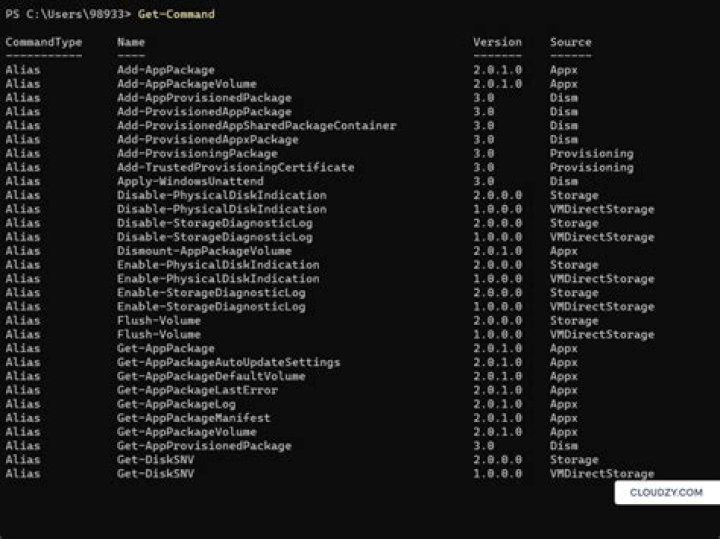
1 Answer
Some possible solutions:
Run Windows Store Apps Troubleshooter
Run Windows Settings > Update & Security > Troubleshoot > Windows Store Apps > Run the troubleshooter and follow on-screen directions.Reset the Windows Store
Run Windows Settings > Apps > Apps & features, locate the Microsoft Store entry and click on it, click Advanced options and under "Reset", click the Reset button to should reinstall the Store with default values.Re-register all apps
Open an elevated Windows PowerShell and run the following commandGet-AppXPackage -AllUsers | Foreach {Add-AppxPackage -DisableDevelopmentMode -Register "$($_.InstallLocation)\AppXManifest.xml"}
If none of the above helps, try to repeat these three operations while booting into Safe Mode with Networking.
If you are still encountering problems: Do a Repair Install of Windows 10 with an In-place Upgrade. Ensure you have good backups before starting.
2



