I have two LG 22MP68VQ monitors connected to an iMac running macOS Sierra.
I want to dim the backlight on the monitors. I'm pretty sure you can't do it on a software level and have tried things like Shades and Brightness Slider.
I am fine doing it manually on the monitor. However, there doesn't seem to be an option for it.
There is a 'Display' button in the settings menu but it is greyed out. I'm pretty sure that's how to change the brightness but I can't understand why it won't let me access this menu.
Can someone please help with this because these screens are very bright at night time.
1 Answer
According to the manual you may need to change the Picture Mode to Custom before you can enter the Display subsection:

However it appears the correct place to change brightness is under Quick Settings: 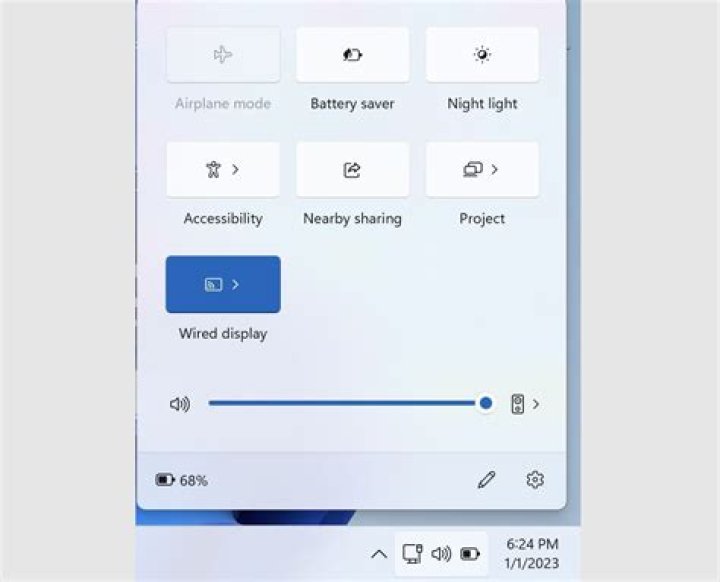
If that still doesn't help, it seems like a few other people have issues with the SMART ENERGY SAVING mode automatically adjusting brightness. I would recommend turning this OFF (shown under the Quick Settings section in the screenshot above). If you don't have that option, this SuperUser post details how to disable it via a hardware button.




