I have a new laptop which I used to connect to the guest network in our house. I typed in the wrong password at login and now I cannot type in the correct one. How can I clear or change the password without having access to the router?
2 Answers
To modify a wireless network's profile...
Open the Control Panel and click
Network and Internet.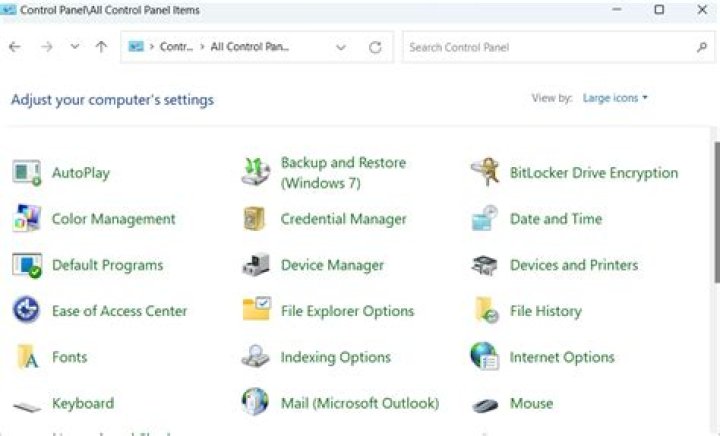
Click
Network and Sharing Center.
Click
Manage wireless networkson the left pane.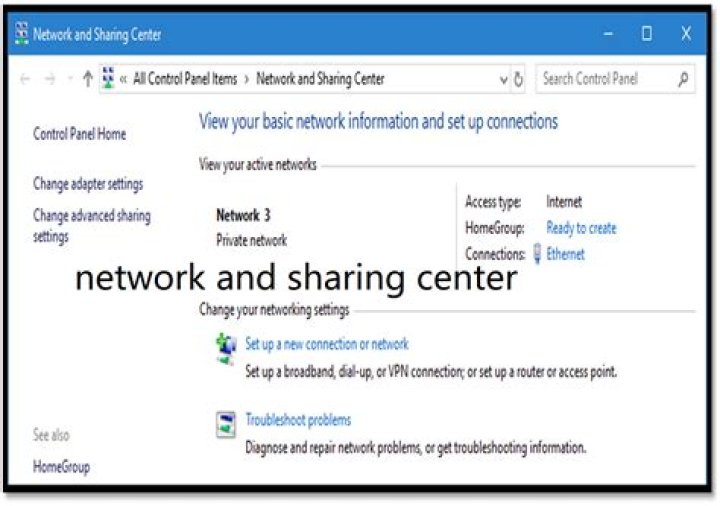
Right-click on the wireless network and click
Properties.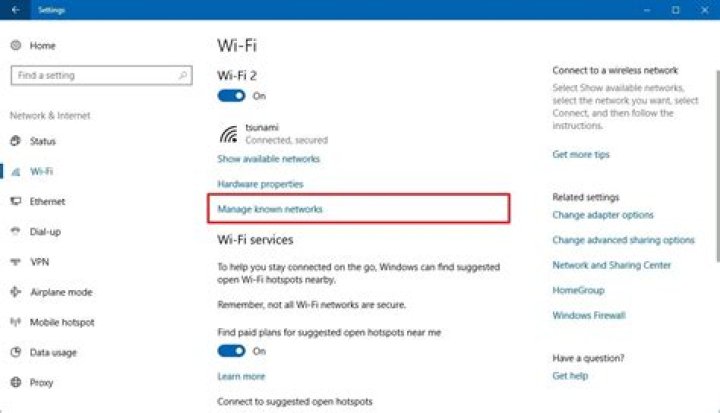
Click on the Security tab and edit the key in the
Network security keyfield.
1Note: If you don't want to retype the whole password, you can enable the
Show charactersoption and edit from there.

Go to your system tray icon

click on wireless network icon, right click the desired network, click on properties

Click on show Characters and change the Network Security Key above it.
1



