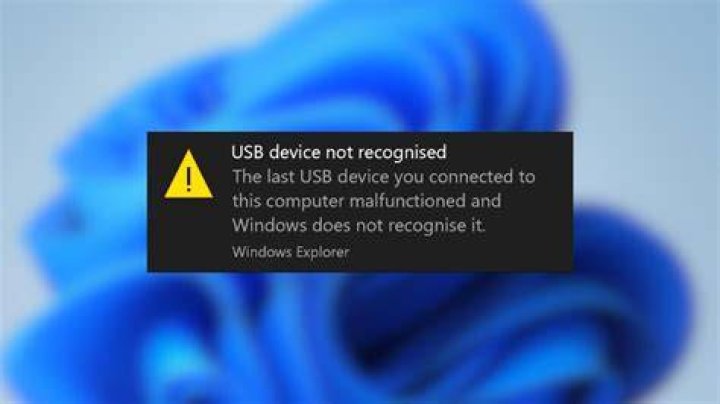
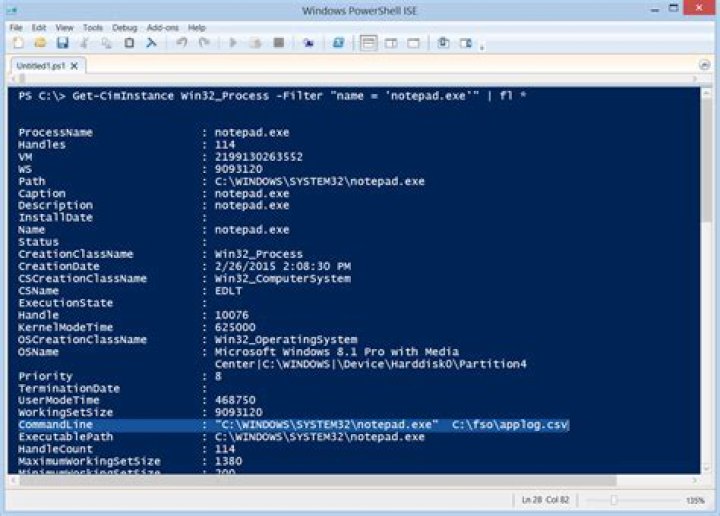
Here is it

Why and how to retake my GPU bak for me? :)
1 Answer
The "Client Server Runtime Process" (or csrss.exe) is an essential Windows component and does not use heavily the GPU. However, many bitcoin mining viruses love to disguise themselves as this process, and they do use the GPU.
I suggest using Process Explorer to verify that the running process is indeed C:\Windows\System32\csrss.exe.
If that truly the case and this is the legitimate process, then something is wrong with Windows. Start with running the commands sfc /scannow and the DISM command in the article. If this doesn't help, do a Repair Install of Windows 10 with an In-place Upgrade.
If the process is not legitimate, run deep antivirus scans using at least Windows Defender and Malwarebytes. For more advice see the post How can I remove malicious spyware, malware, adware, viruses, trojans or rootkits from my PC?
2