Normally qBittorrent will download many files simultaneously. Is there a way to tell it to use all bandwidth/connections to download one file and then move to the other?
Setting file priorities does help, but that's a lot of manual work, and two files with the same priority will be downloaded in parallel anyway.
This is not to start watching a video before it's downloaded fully! Its to finish downloading the 1 episode out of batch of 3.
Utorrent could do it easily, but new version of the program does not want to turn off ads fully as it did before, so i had to leave.
If there is absolutely no way qbittorrent can do this, please point me to a couple of other programs, small and fast, free, no ads.
UPD: BiglyBT have the needed features, but something in the interface that doesnt fit. I still hope to make qbittorrent do the trick, or try some other program.
2 Answers
Use BiglyBT- Feature-filled Bittorrent client based on the Azureus open source project
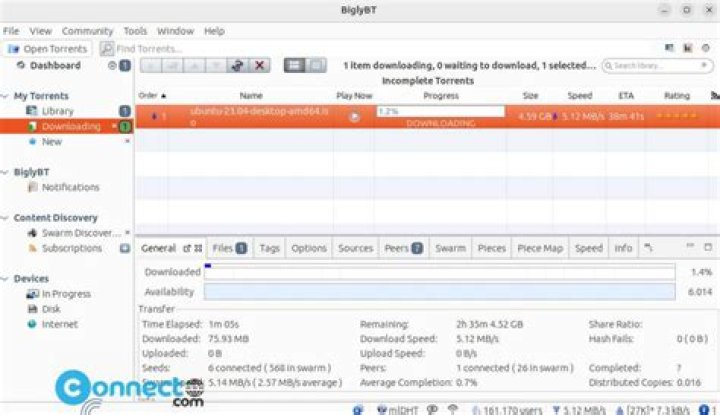
Fast, entirely open source and ad-free and features packed And in my experience not small like qBittorrent but worth the compromise because of the features it provides
Compare features with other torrent clients
Detailed guide to set priority Selective downloading in vuze
Edit - A gif of requested features
A better quality video here

Yes. Select all the files > right click > Priority > Select By Shown file order
0



