I have a problem where thumbnails for Photoshop (PSD) files won't show in Windows 10. Instead, only the default program icon for PSD files is shown. Thumbnails for other image files are working perfectly.
- Now the strange thing - this problems happens only on one machine. On another (freshly reinstalled) there are no problems.
- I am not using any third party software on either machine.
Configuration:
Both machines are Windows 10 (v. 2004) (OS Build 19041.450). Photoshop is v. 21.2.1.265. I have reinstalled Photoshop, cleaned up with CCleaner after uninstalling, restarted etc.
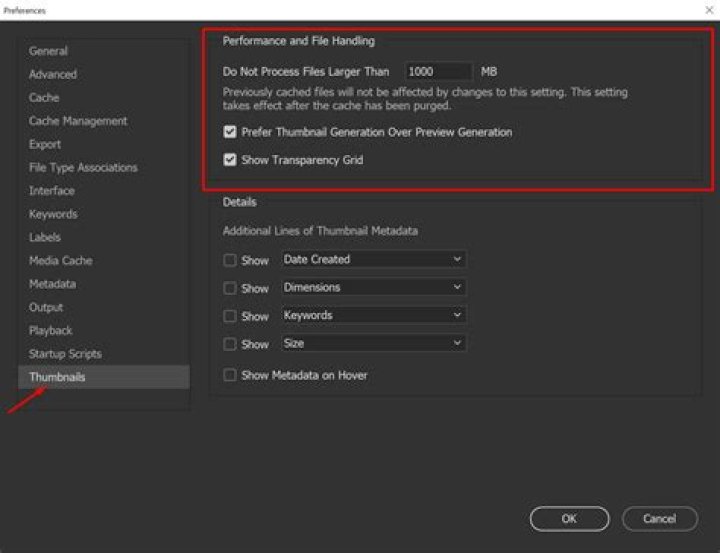
These are my settings in File explorer:
I have read on Superuser threads that people are using SageThumbs and similar but I want to avoid that since it seems to work 'out of the box' on the freshly installed Windows 10.
What can it be?
1 Answer
This is not possible without a 3rd party app. There has been numerous requests to both Adobe and Microsoft for this feature but they seem to be in a stalemate regarding this issue.




