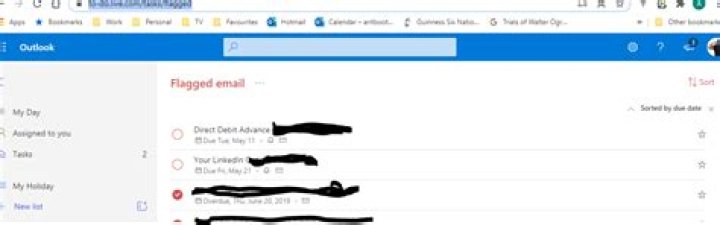
I used to see all my flagged emails (similar to how you can search for started items in Gmail) from all my subfolders at the top of my inbox like this:

But, now, that is gone. The only way to see all the flagged items now is to go to each individual folder :
But this is tedious as I have hundreds of folders - each with thousands of mails and dozens of flagged emails dating from 1997 (yes, back when this was Hotmail/MSN).
How can I see all my flagged emails together now? There used to be a search feature to see all flagged emails but that does not work now either. There also used to be a Microsoft Tasks () which used to be able to show flagged emails but now it just redirects to Microsoft ToDo which does not show Outlook flagged emails.
Note: Please do not ask me to switch to Gmail or download Microsoft Outlook - I am talking very specifically about Outlook.com website. How do I see all flagged emails from all subfolders in a single place either via search or some special UI or at the top like before?
3 Answers
You may set the search scope to "All Folders" or "All Mailboxes" and type the string below:
IsFlagged:yes
Update Feb 2021
One can now use filter dropdown from Inbox, to easily view the flagged emails.
Use this URL Even though Flagged Emails no longer appear on the left hand side on to-do.live.com you can add "/flagged" to the URL to see them as below.