In some Windows OS, every command line program works fine, but in some Windows releases—such as Windows XP— I get this error:
“This program cannot be run in DOS mode.”
How do I avoid this problem?
This problem occurs when I attempt to use nmap, pwdump and zenmap but calc.exe work and other built-in exe's work. What is happening?
2 Answers
Are you using Command.com or Cmd.exe? Try Cmd.
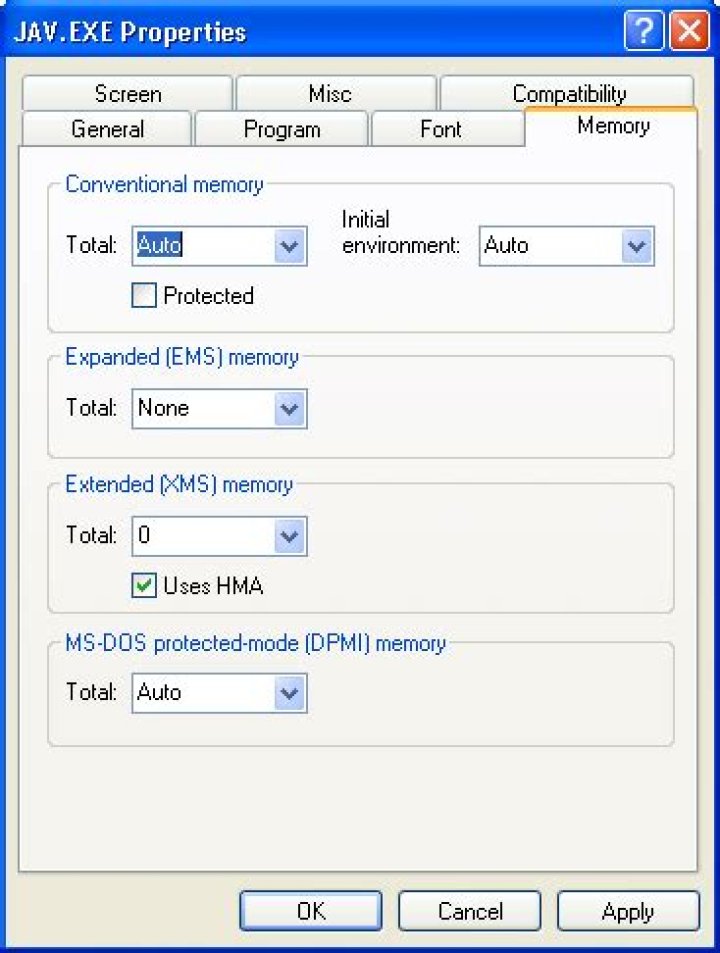
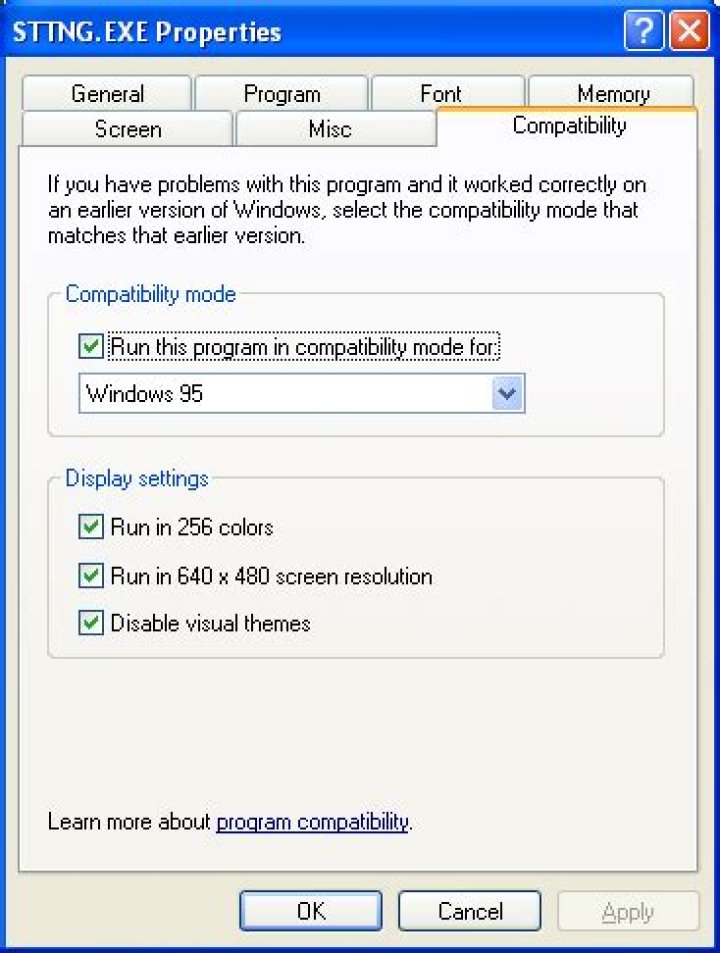
Also if you're using a shortcut to get to the command prompt, make sure you've not messed with the program's settings, especially those related to Memory or Compatibility (note: screenshots sourced from random site, do not configure as shown since those are probably not all default settings):
I have just encountered the same problem and found a solution that will probably work for you too.
I assume that you have used ftp via command line to get the files onto the machine that you are trying to run the exe on.
To fix the problem download the files again but remember to turn on binary mode. I did that and now the exes run no problem.
3



