No, I'm not talking about vim, I'm talking about old-school vi; because in vim you can actually issue a :bot and it'll move to the bottom of the file.
2 Answers
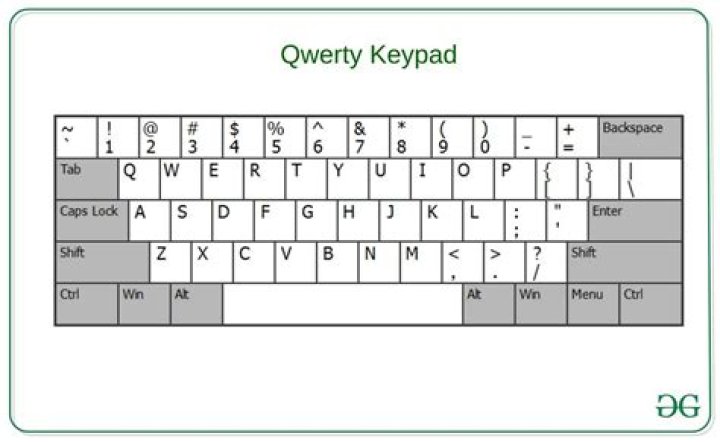
From command mode, type the upper case letter 'G'.
4Esc+Shift+Colon to get to the : prompt.
Then type any integer and ENTER to jump to that line number or...
$ to jump to the end line of the file.
Other uses of the $ in vi are:
E.g.
:1,$s/foo/bar/ this means: take the range of lines from 1 to the end of the file ($) and search them (s) for 'foo' and replace them with 'bar'.
I learned vi back in 1989 and I still use it today!