I want to take some of my cells that look like this:
PETROLIA ONTARIO CANADA NON1RO, VANCOUVER BC V5L3B1, ONTARIO CANADA LOR2C0, DN58BY ENGLAND, DN58BY ENGLAND, and change them into this:
(intl) PETROLIA ONTARIO CANADA NON1RO, (intl) VANCOUVER BC V5L3B1, (intl) ONTARIO CANADA LOR2C0, (intl) DN58BY ENGLAND, (intl) DN58BY ENGLAND, Is there an easy way to do that?
4 Answers
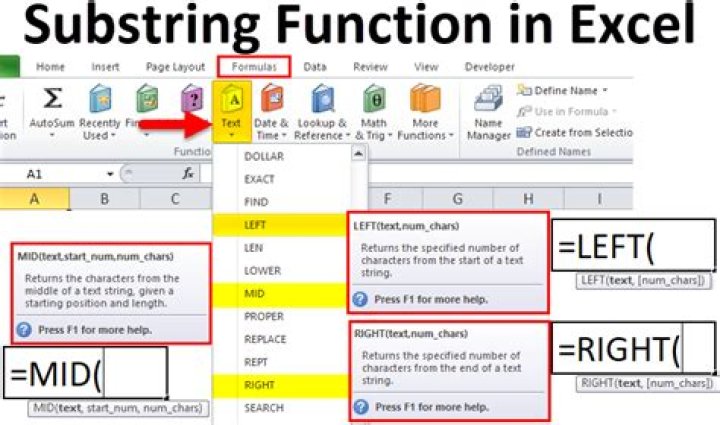
use the CONCATENATE formula. the below example assumes your first value is in cell A1.
=CONCATENATE("(intl) ", A1) I think using the concatenate function requires unnecessary typing. Just use the ampersand sign to concatenate values:
="(intl) " & A1 I think that's easier.
If the above data is in cells A1-A5, you can get the desired result if you put the following in cell B1:
=CONCATENATE("(intl) ", A1) and copy-paste it to B2-B5
1You can copy the following into the first column of the next and drag the bottom left corner of that cell down:
=CONCATENATE("(intl) ", INDIRECT("RC[-1]",0))